If the camera or picker will not open
Check Reprise’s camera permission in your phone settings. Close and reopen the app, then try again. If it still fails, email your phone model, operating system version and what happened. Please do not include private photos unless they are necessary to explain the problem.
Where are my photos?
Projects and named albums are saved locally on your device. Reprise has no account or cloud sync. Deleting a project removes it from Reprise; exported copies and device backups are managed separately. Removing the app can remove your saved projects.
What quality does capture use?
The current version captures a clean frame from the camera preview. It does not yet provide full-sensor still-photo resolution. The ghost is a visual guide and does not automatically align the camera.
Share a moving comparison
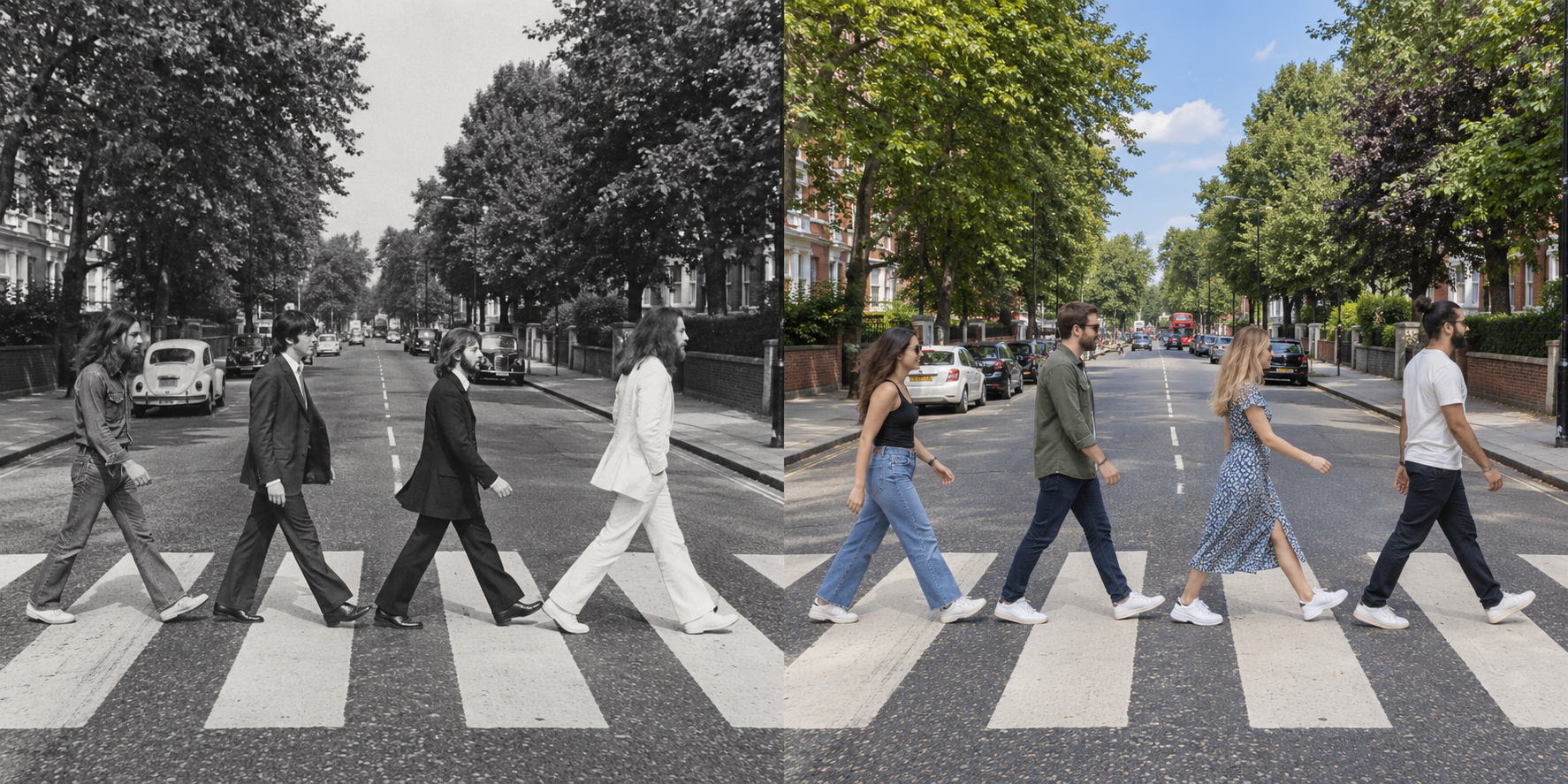
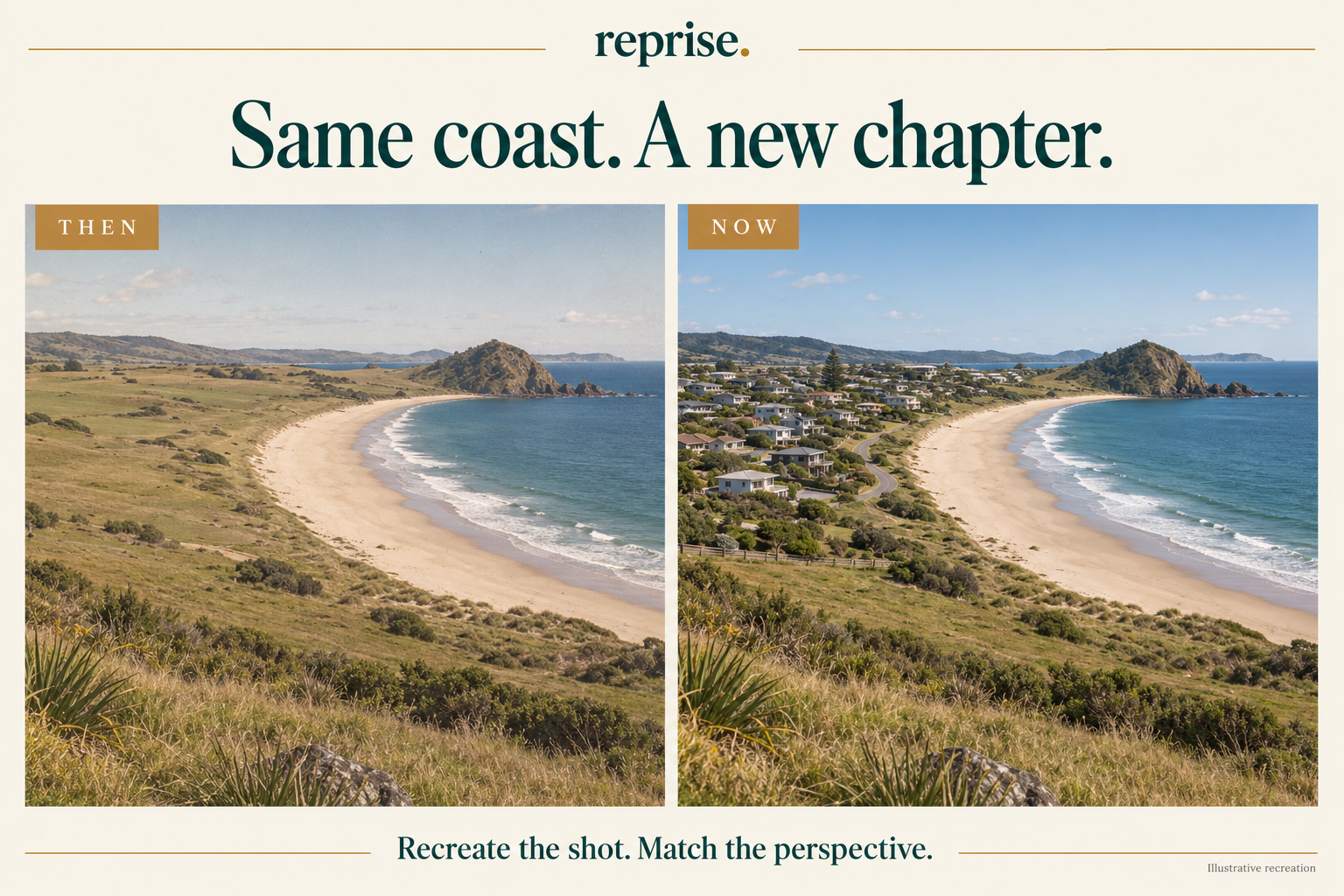
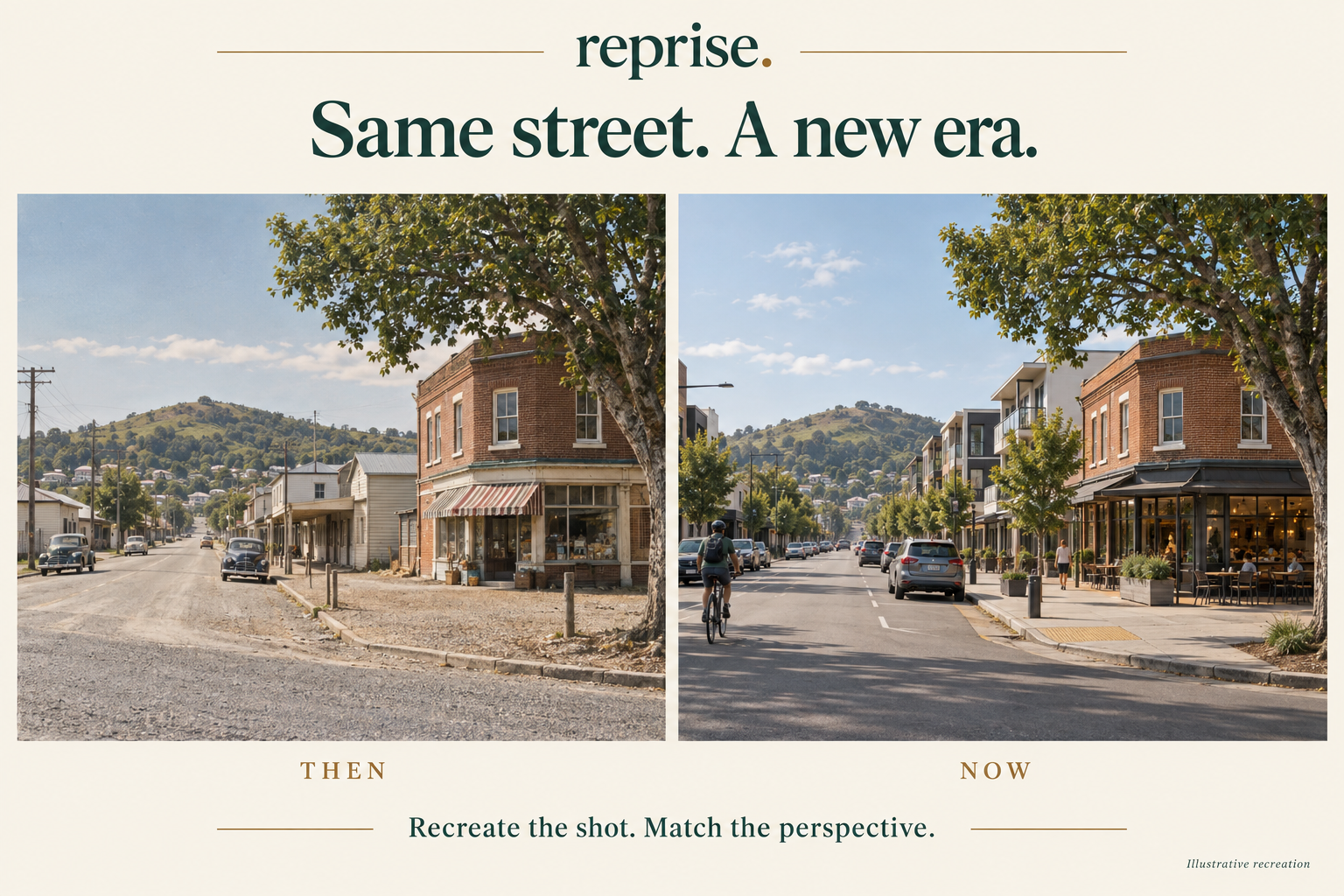
Open a recreation, choose Share comparison, then Animated reveal. Share the branded video to compatible apps through your phone’s share sheet, or save it and upload it from your social app. MP4 is preferred; supported formats and share destinations depend on your device.
Keep a collection
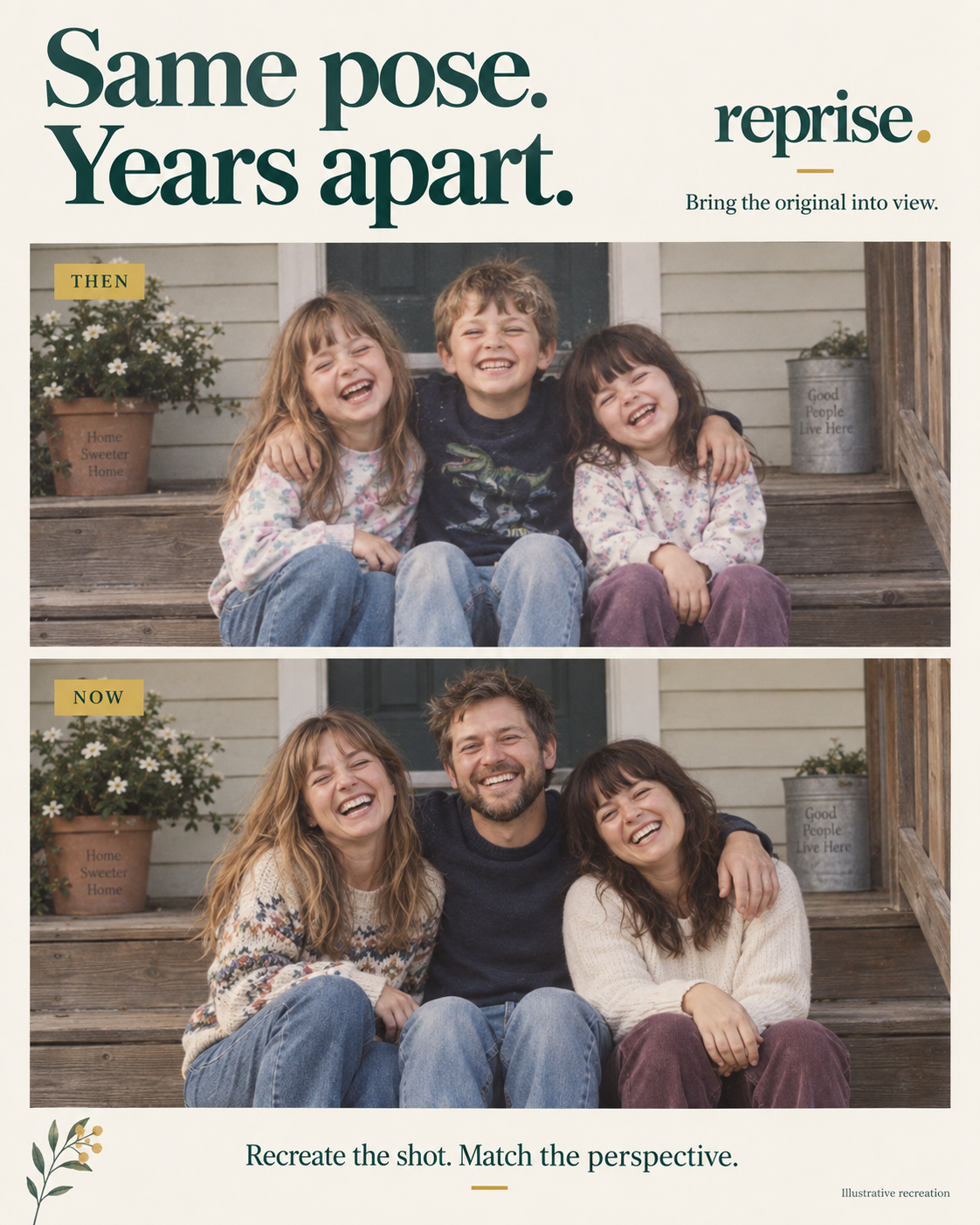
Use named albums to organise holidays, family memories, renovations and landscaping. Each recreation keeps its original photo and later captures together on this device.
Price
The launch version is free, with no ads, subscriptions or in-app purchases.
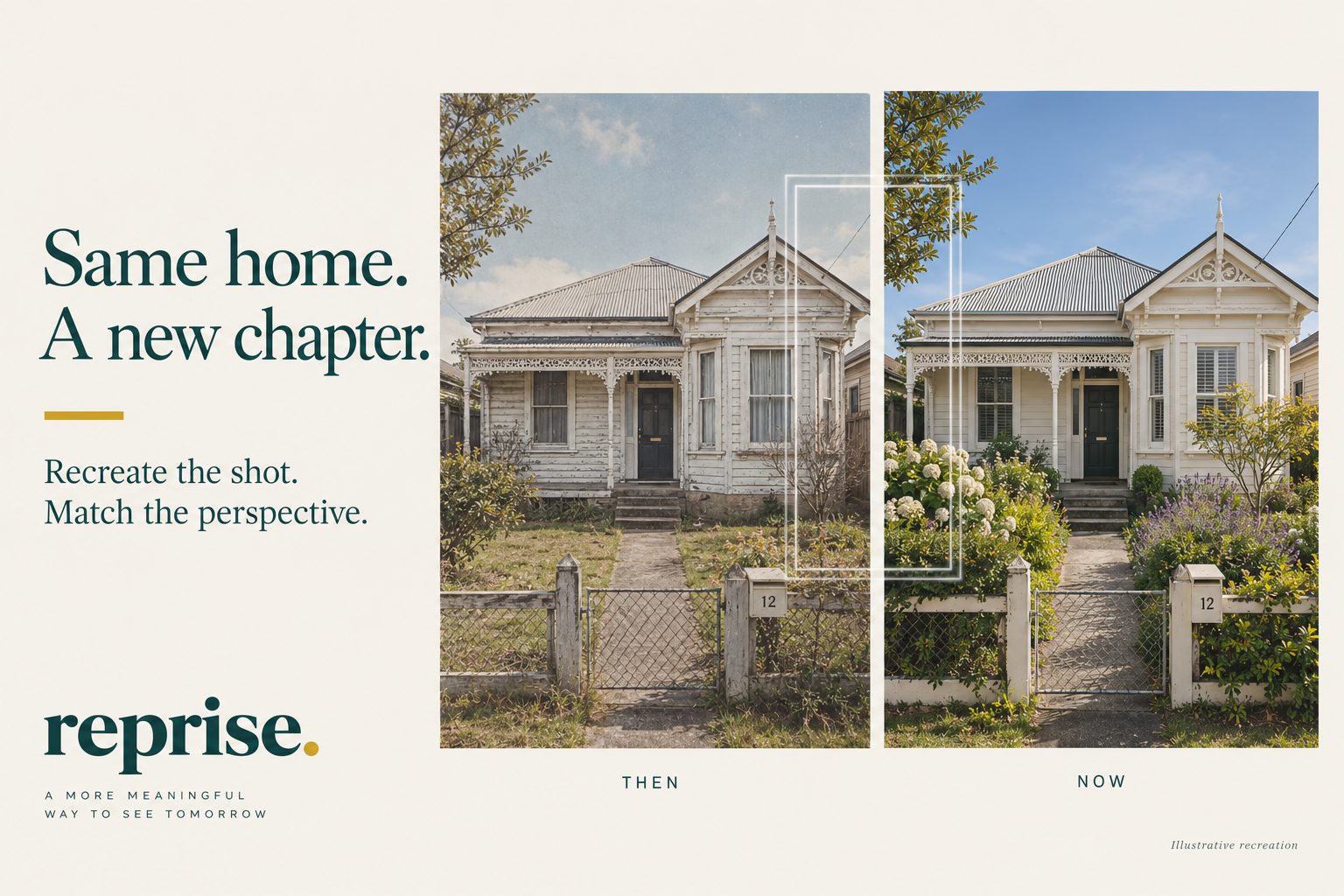
The edges still do not line up
Try changing where you stand and how high you hold the phone. Adjusting the overlay’s scale cannot replace matching the physical camera position. The original lens and crop also affect the result.